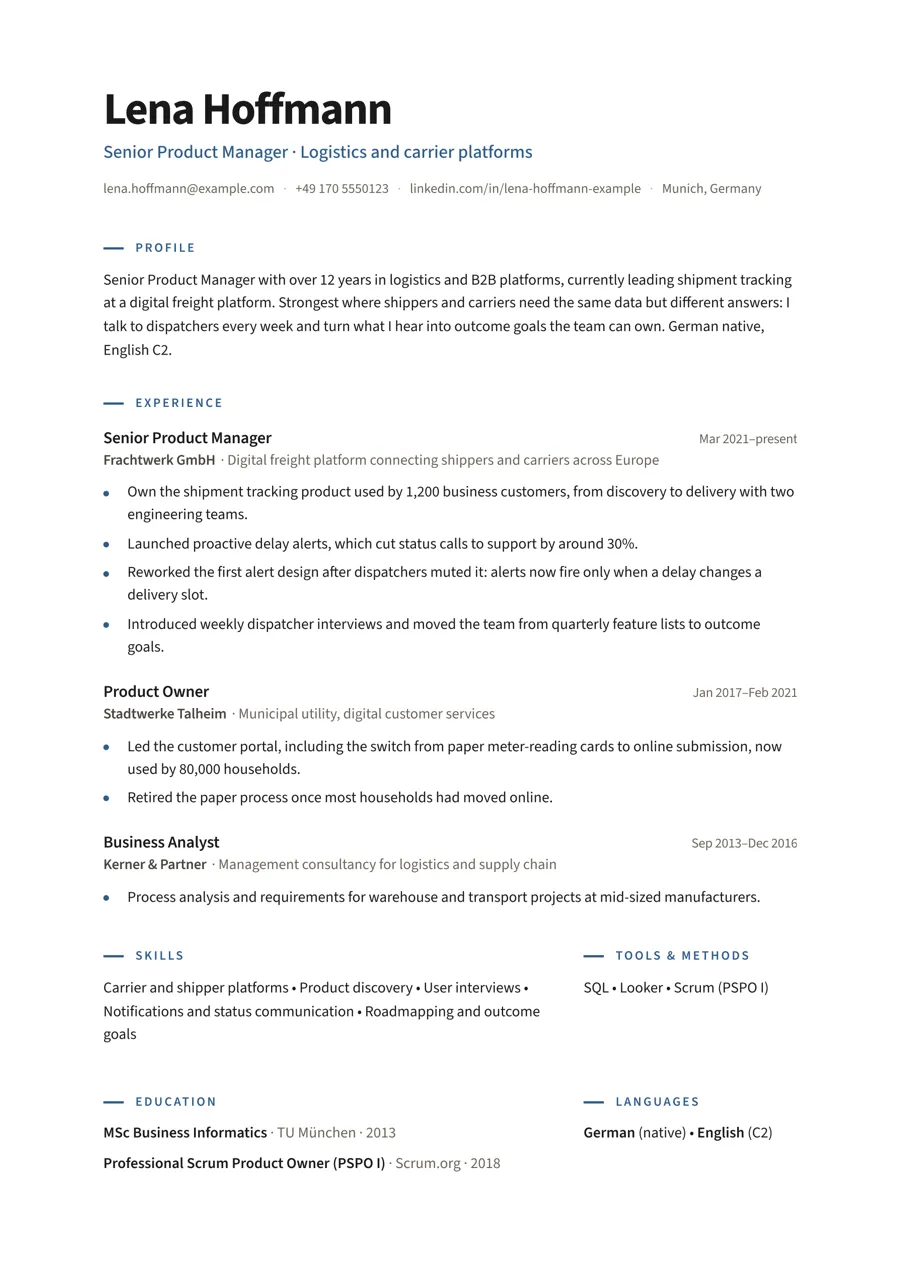
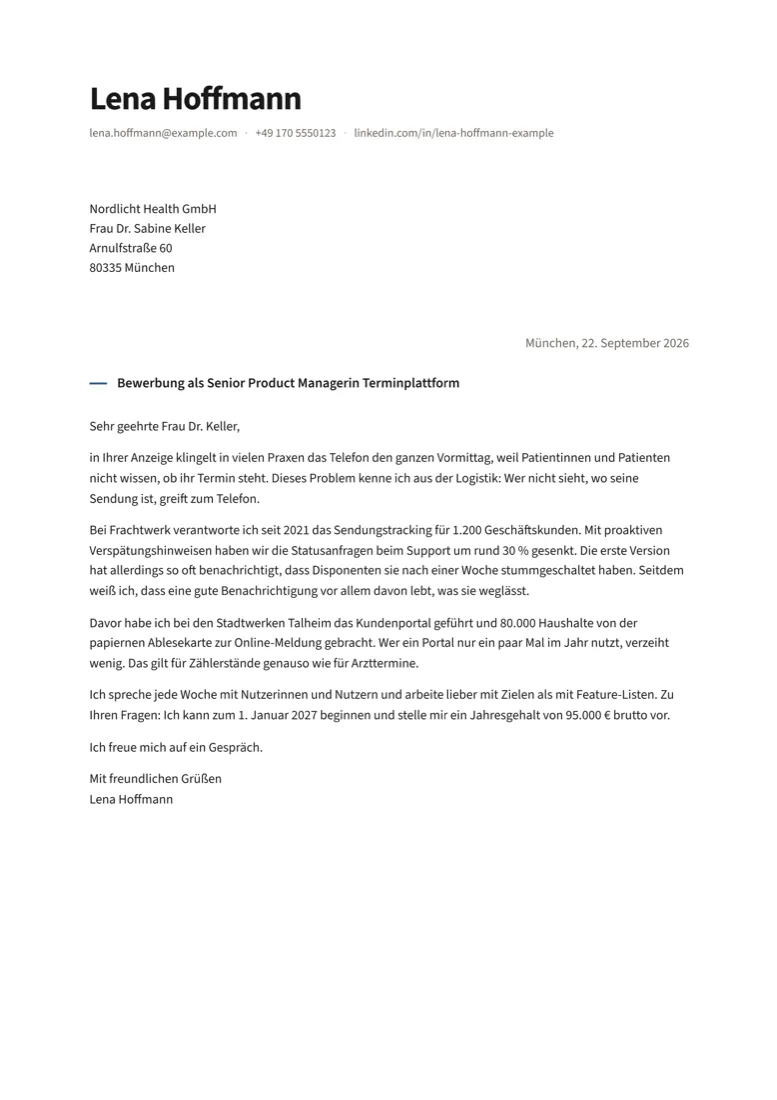
Modern
Sans-serif, left-aligned. A bold name, the title in your accent colour, dates on the right, the short sections side by side.
One column1 to 2 pages
Apply KitLayout Pack
From a tabular DIN 5008 CV to two-column one-pagers with an optional photo. Each layout covers both CV and Anschreiben, in English and German, and plugs straight into the free kit.
19 €one-time · or $19
The layouts
The same CV and Anschreiben in each layout. Real pages rendered by the kit, nothing mocked up.
For long careers and formal applications.
Sans-serif, left-aligned. A bold name, the title in your accent colour, dates on the right, the short sections side by side.
One column1 to 2 pages
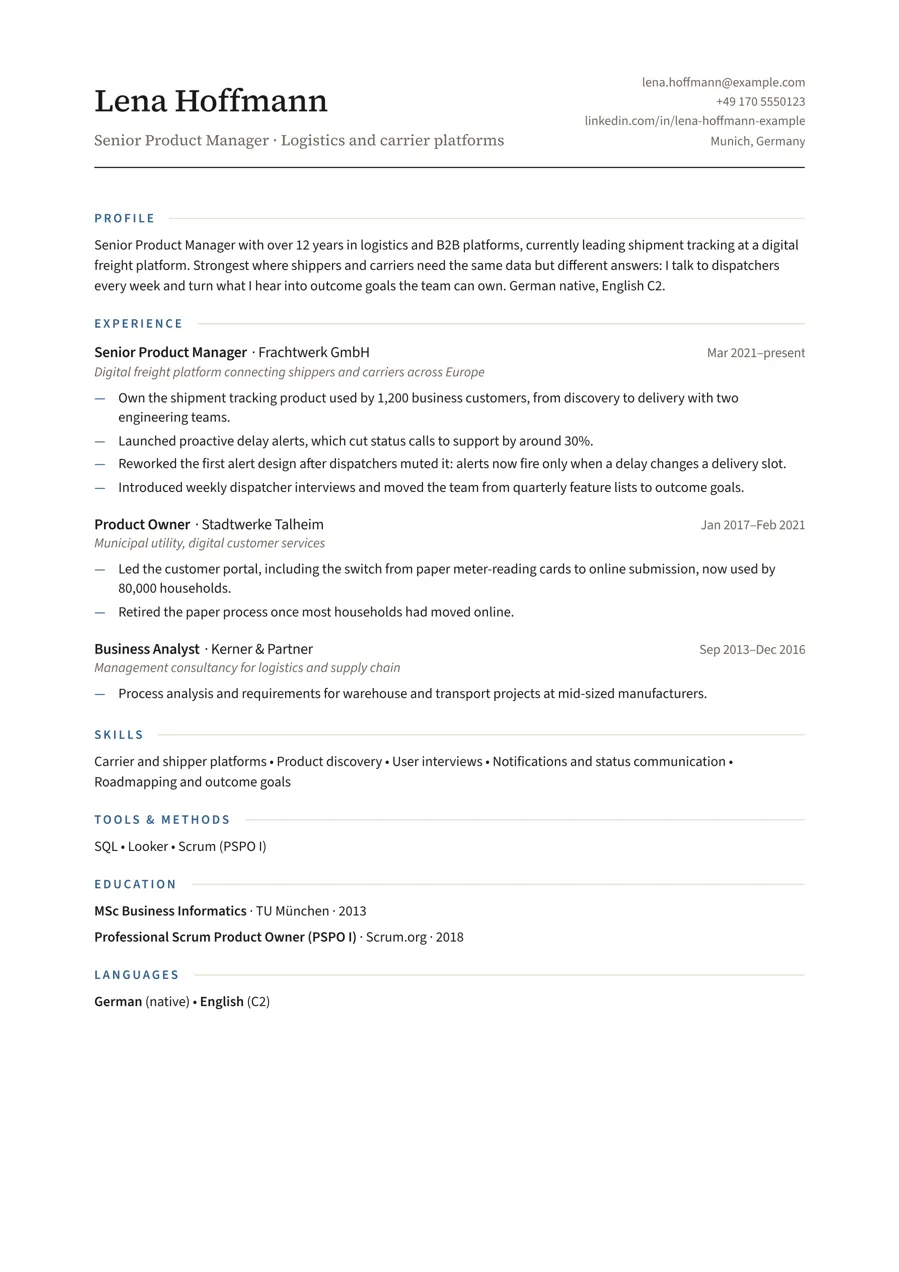
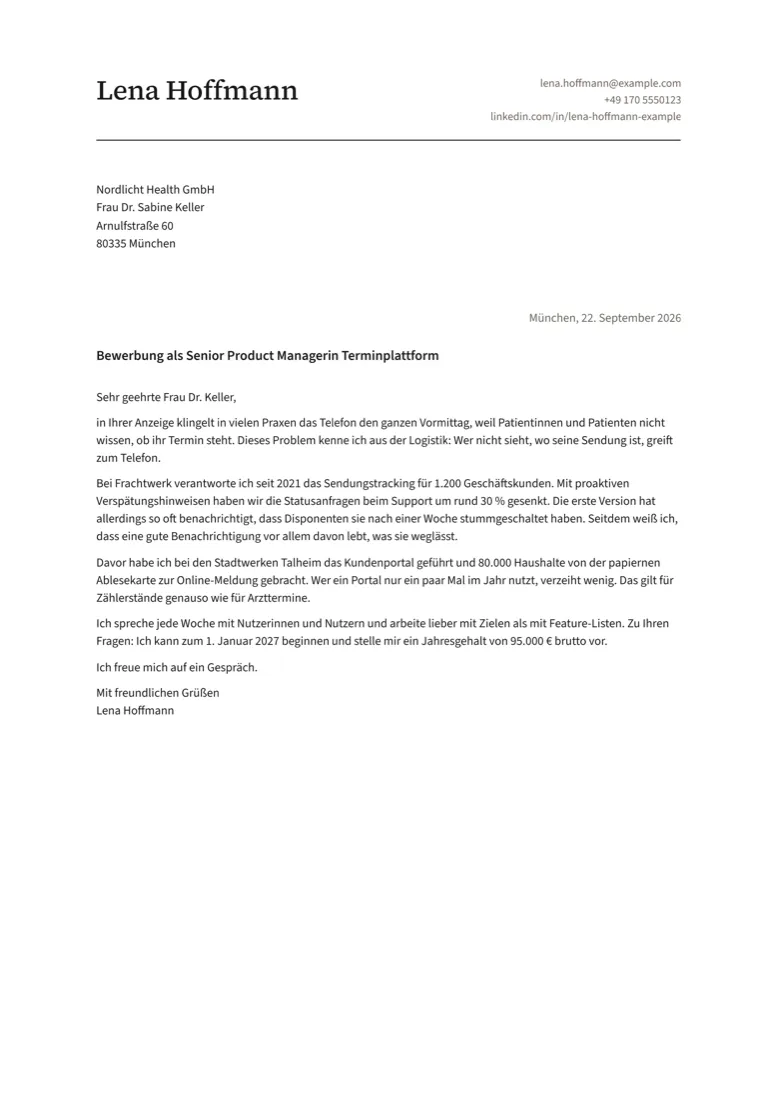
The classic serif look, denser, so a long career still fits on two pages.
One column1 to 2 pages
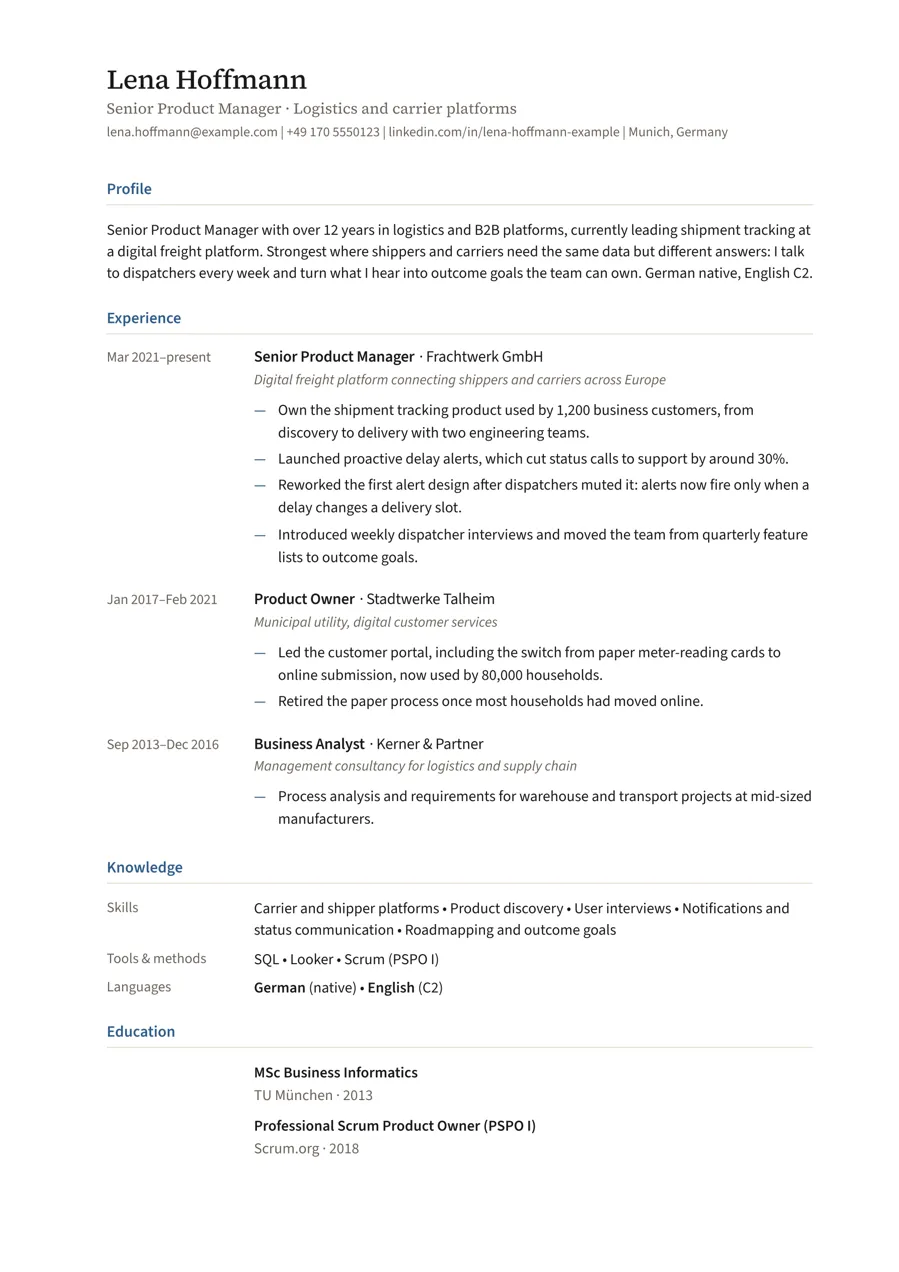
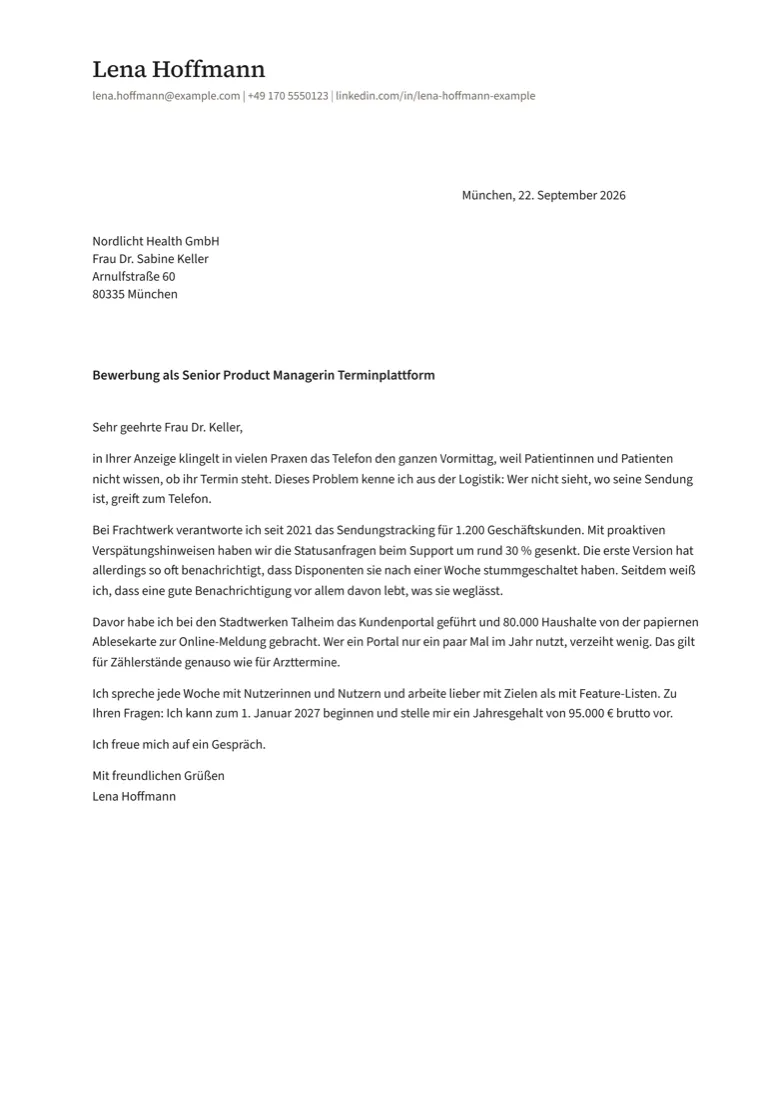
The formal German business letter, form B, with the address where a window envelope shows it, and a tabular CV in the same letterhead.
Tabular CVGerman letter
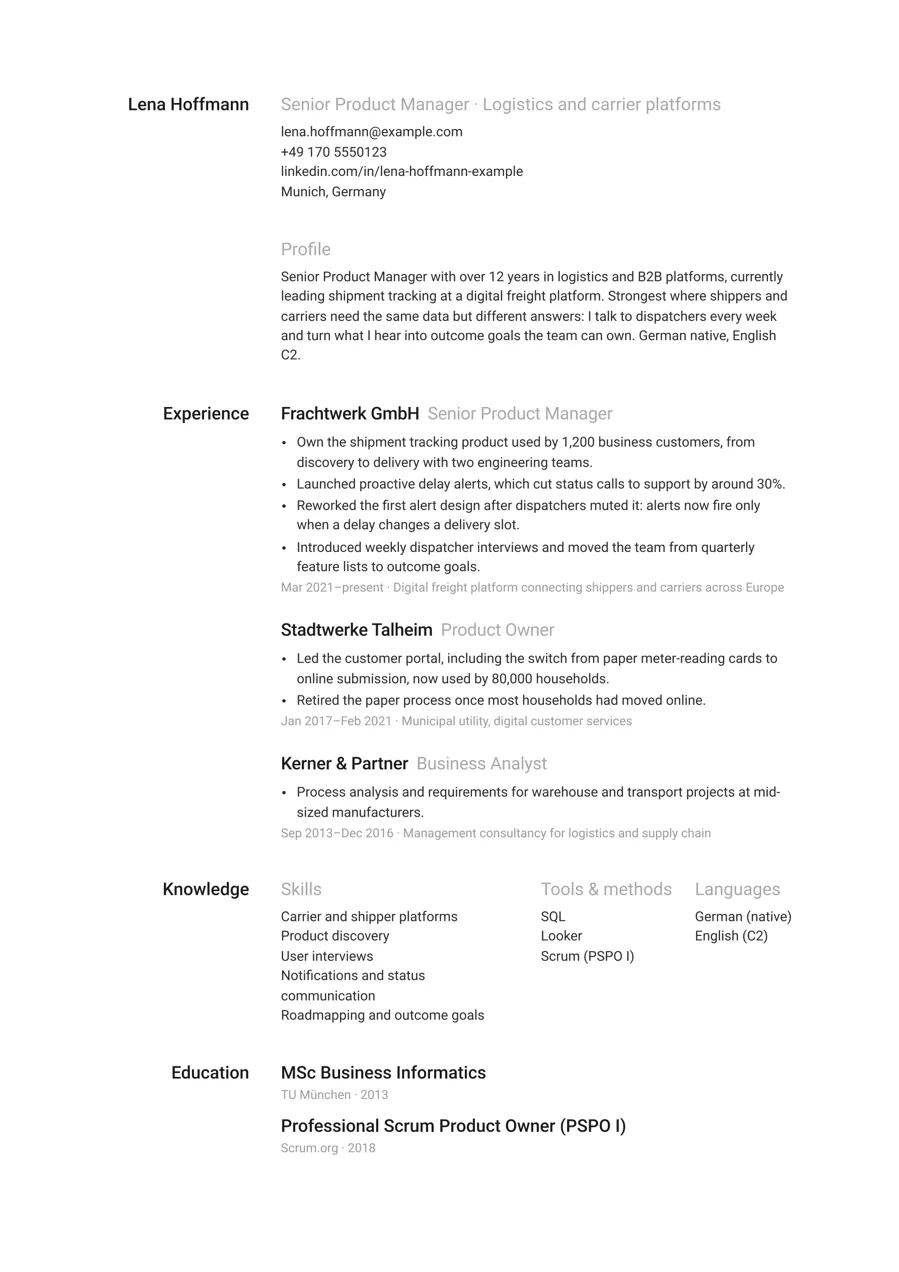
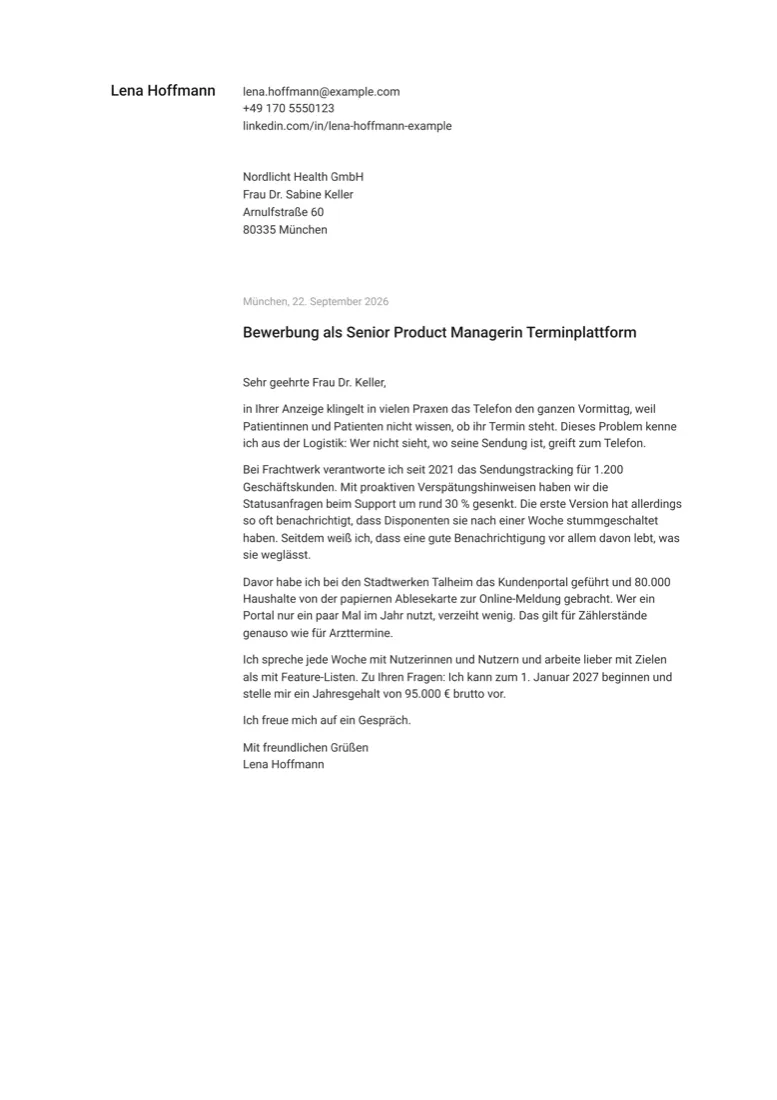
One column, the section names in a left margin, three type sizes, black and white.
One column1 to 2 pages
A strong first page. Claude keeps the CV to one.
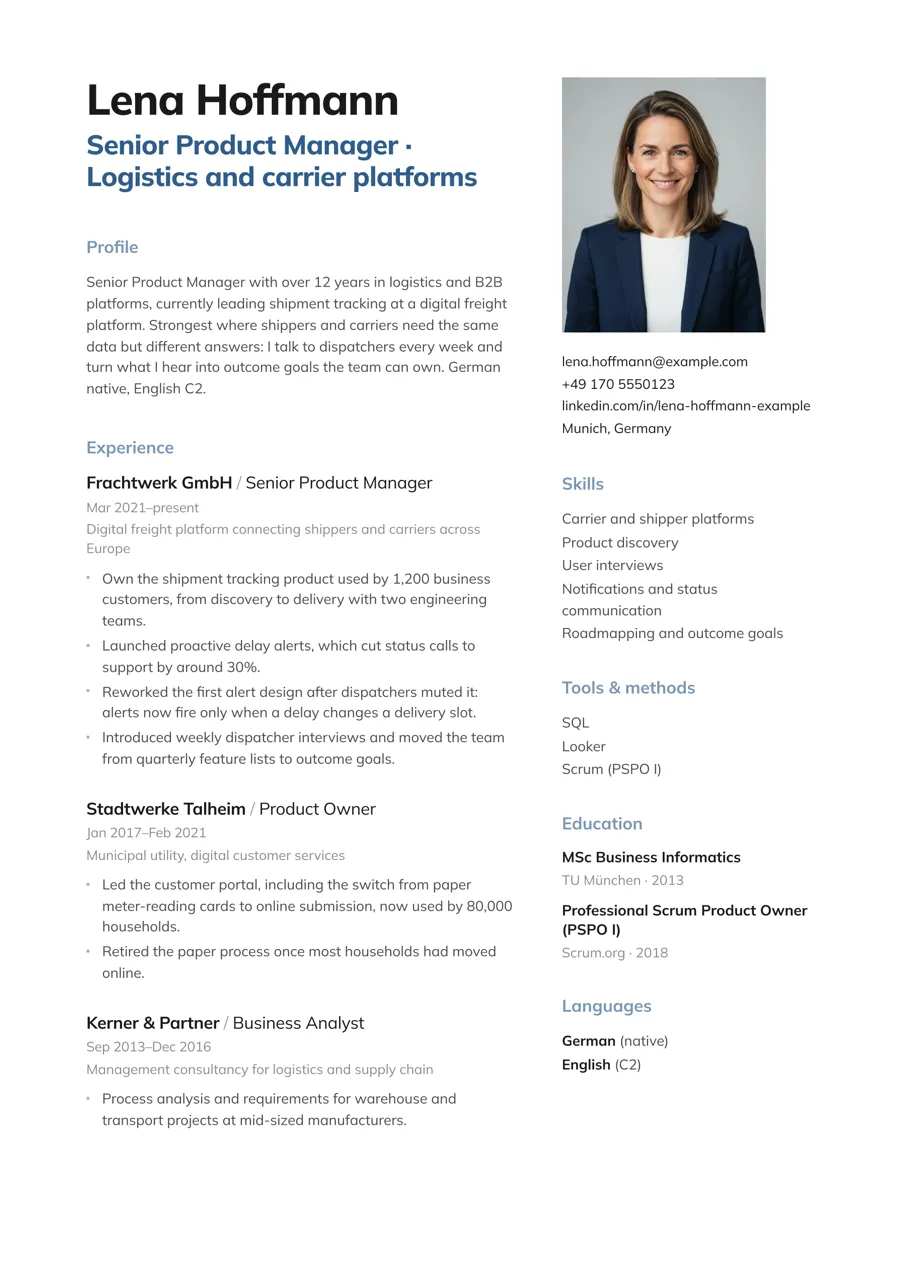
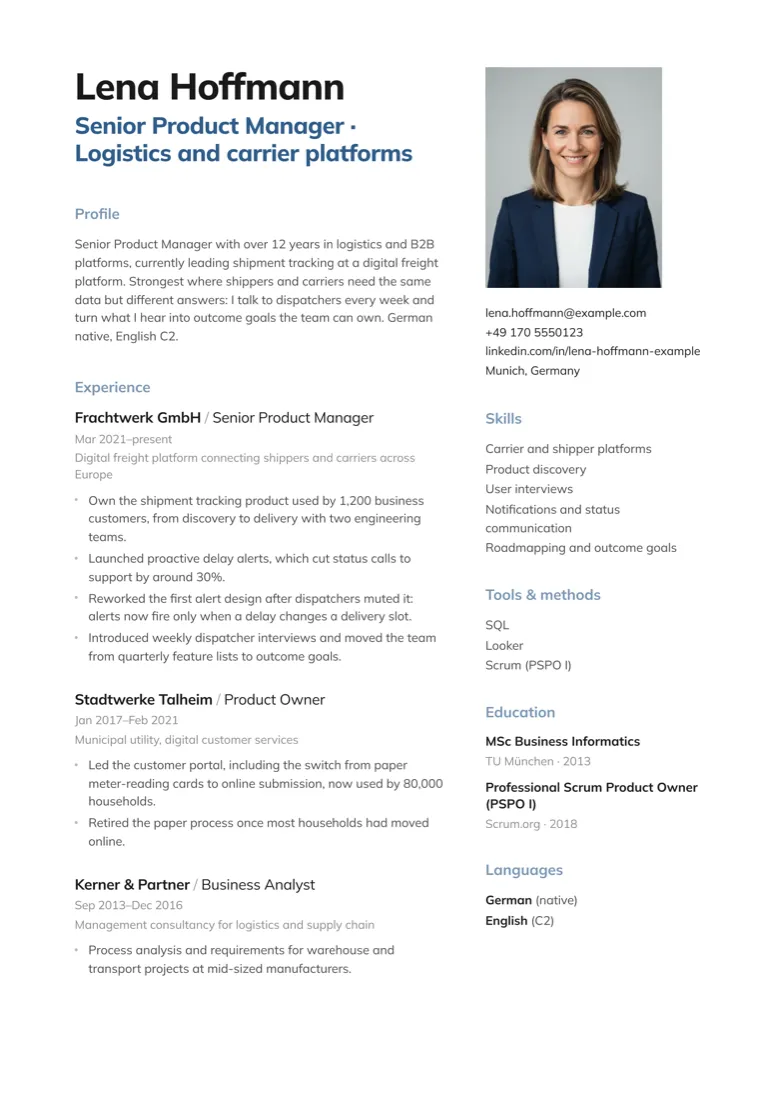
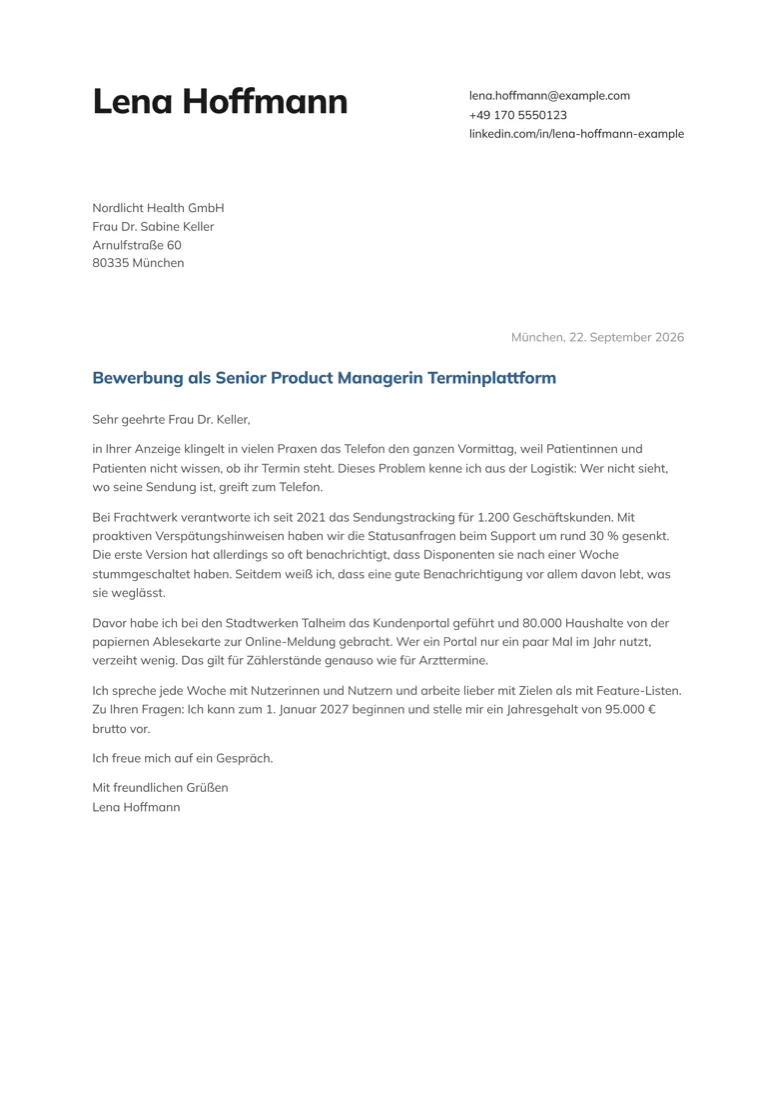
A big name with the title in your accent colour, the contact top right.
Two columns1 page Photo
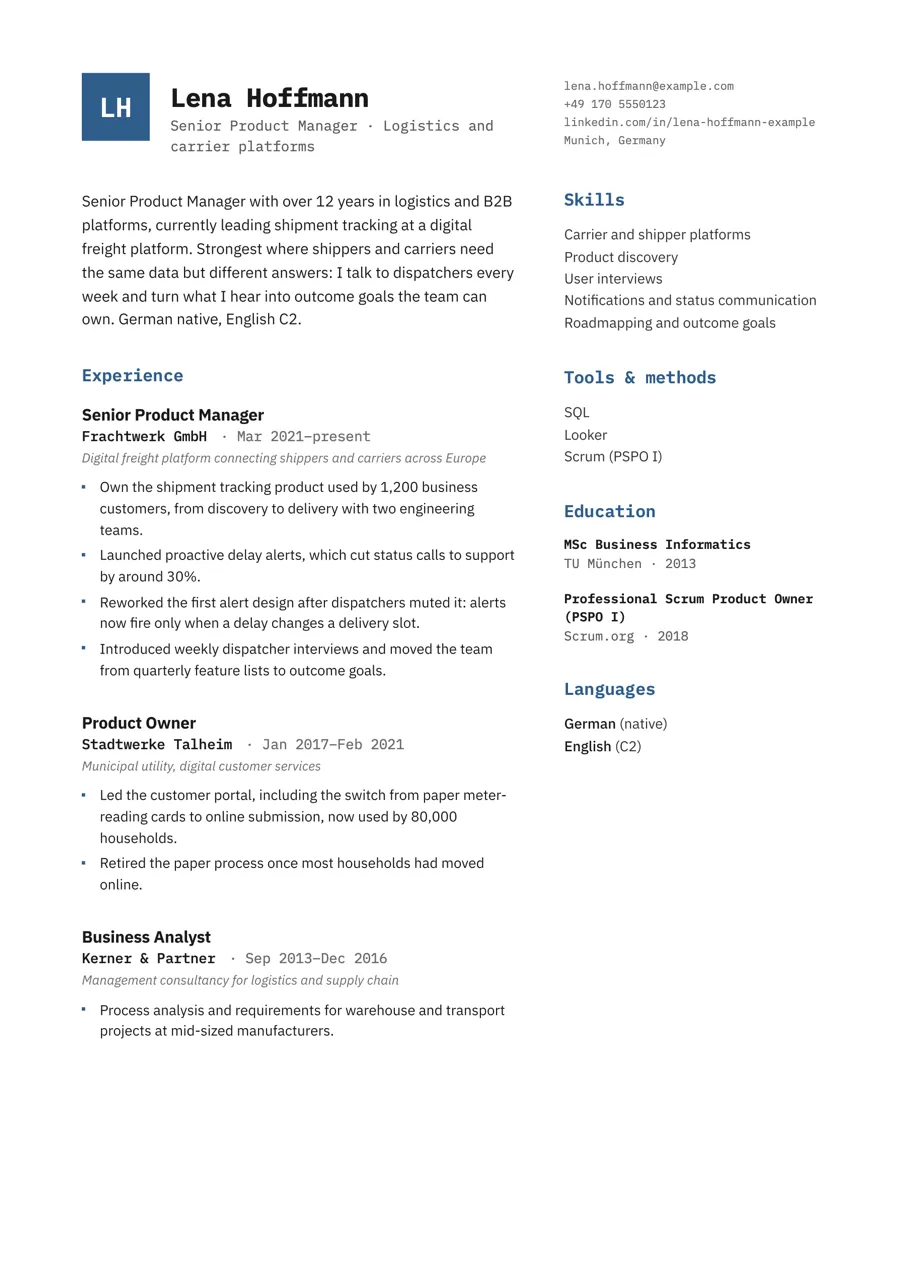
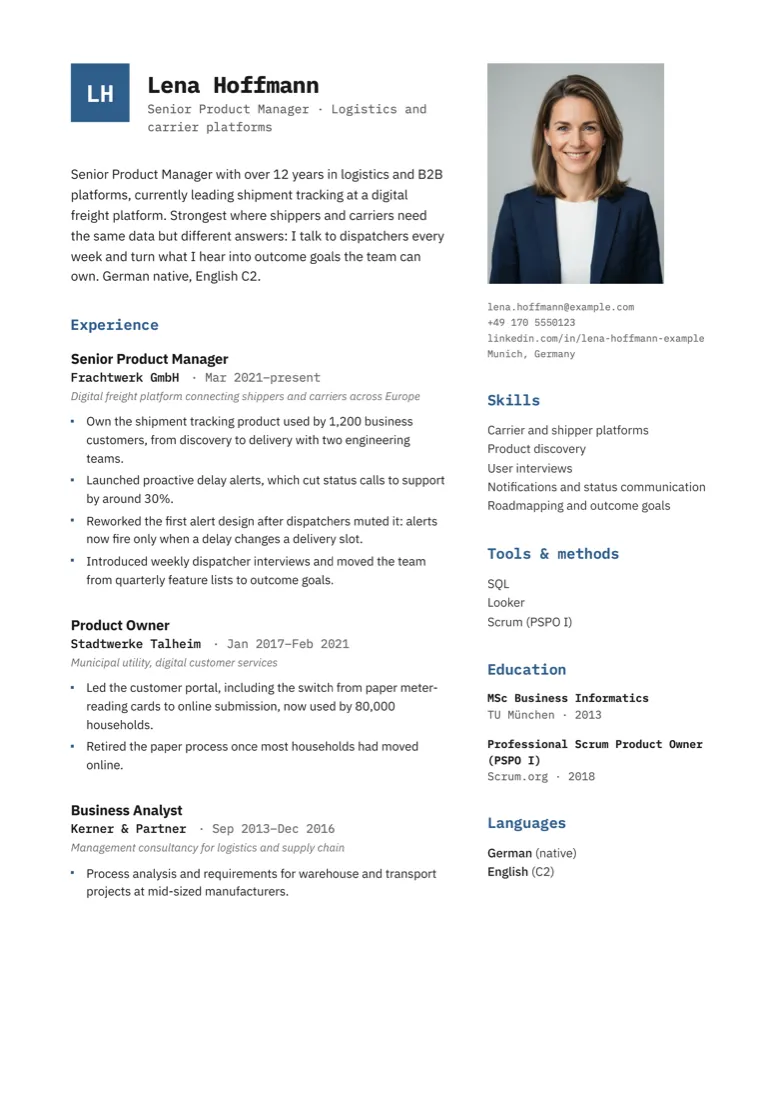
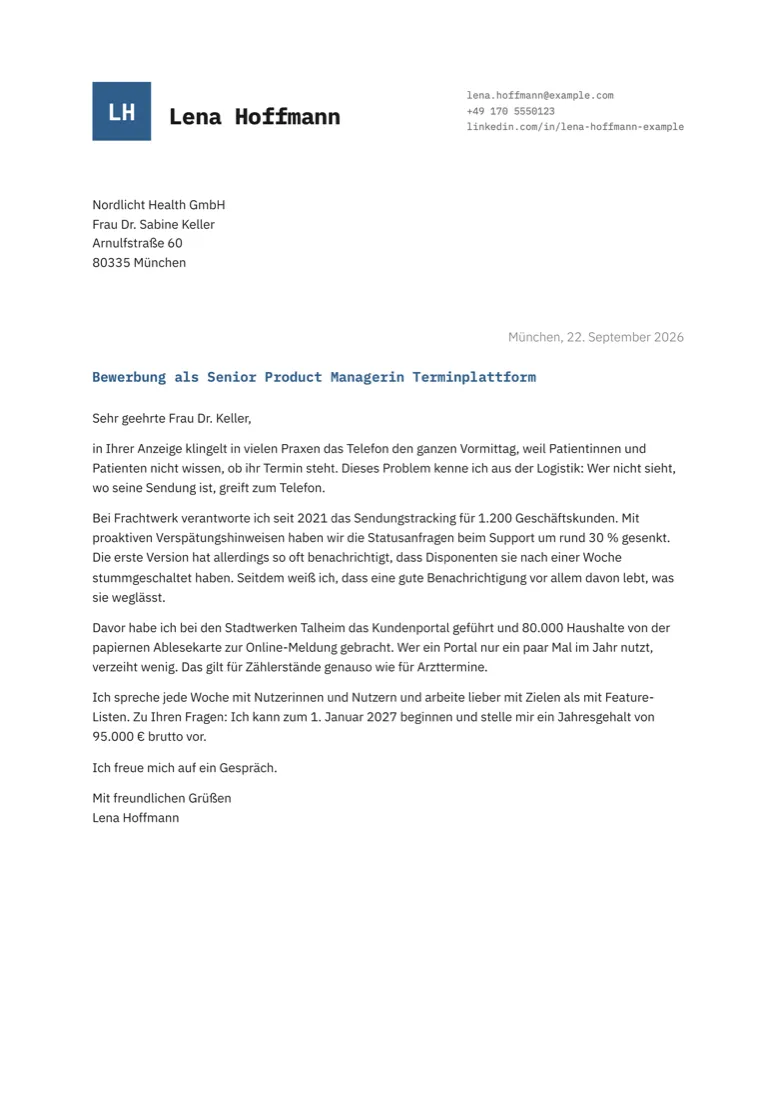
Monospace headings, your initials in an accent square, square accent bullets.
Two columns1 page Photo
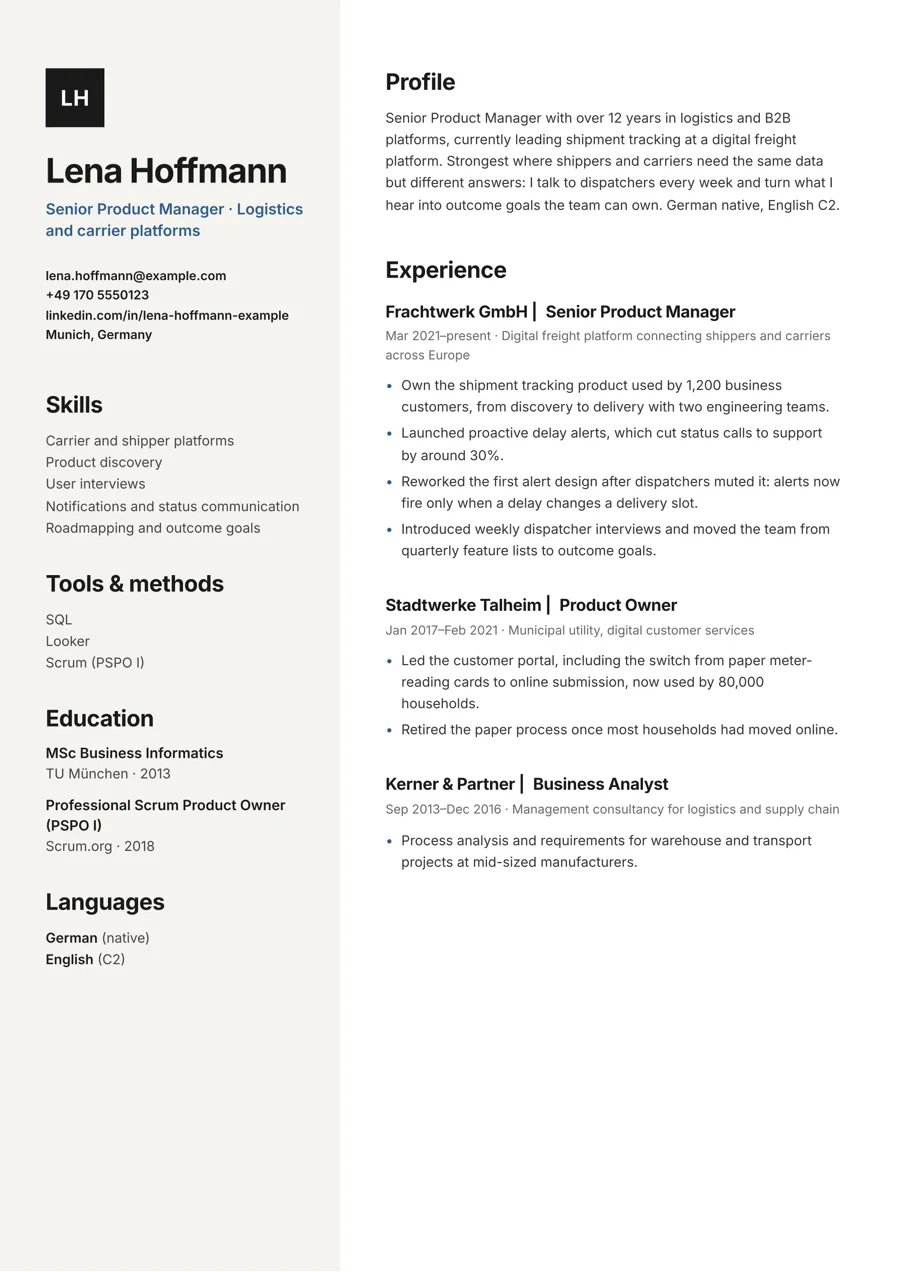
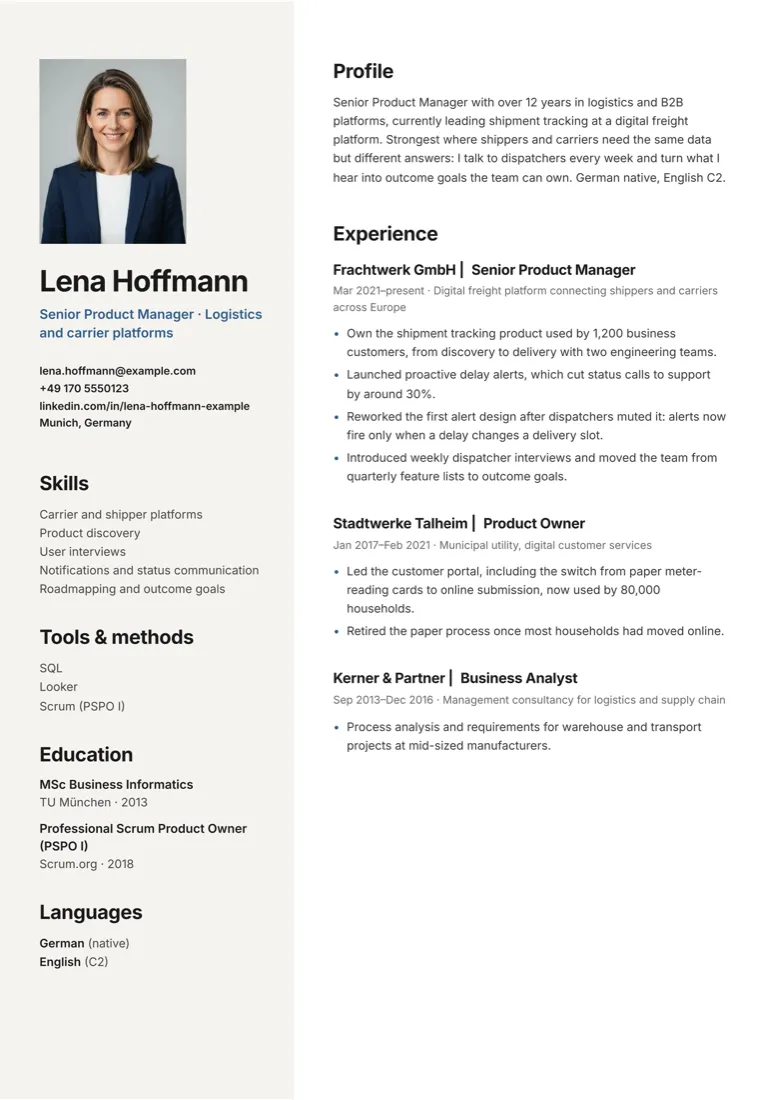
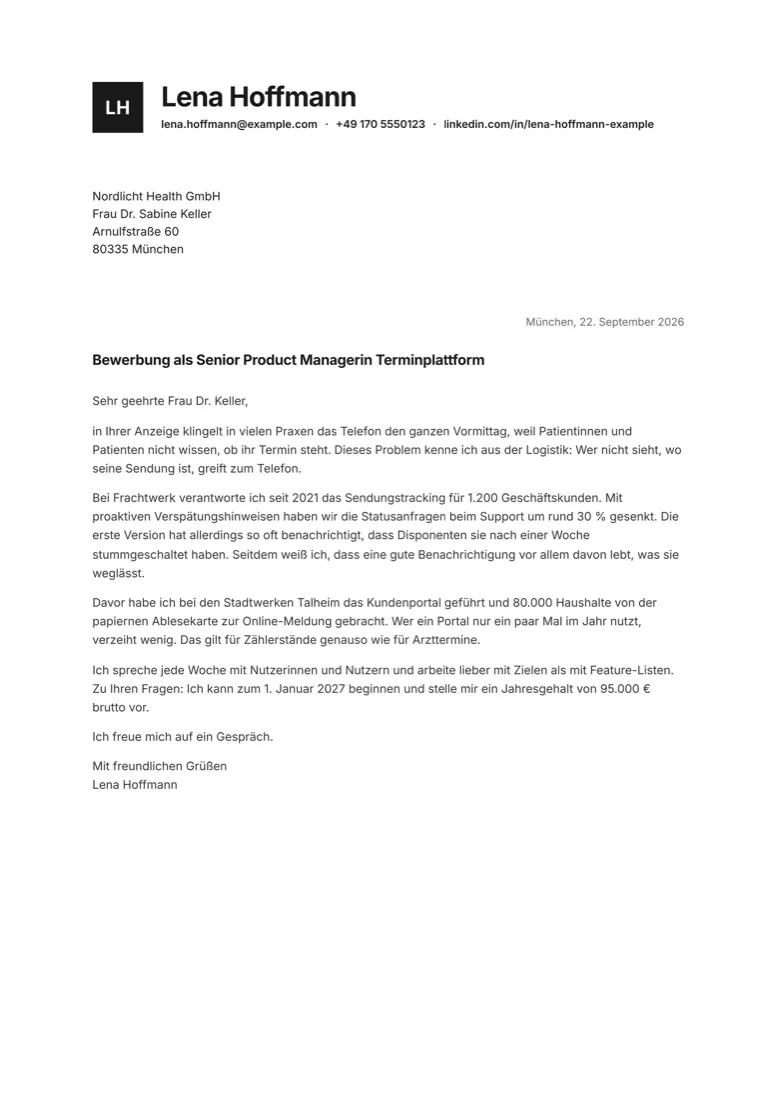
A tinted sidebar with your initials, contact, skills and education; experience on the right.
Two columns1 page Photo
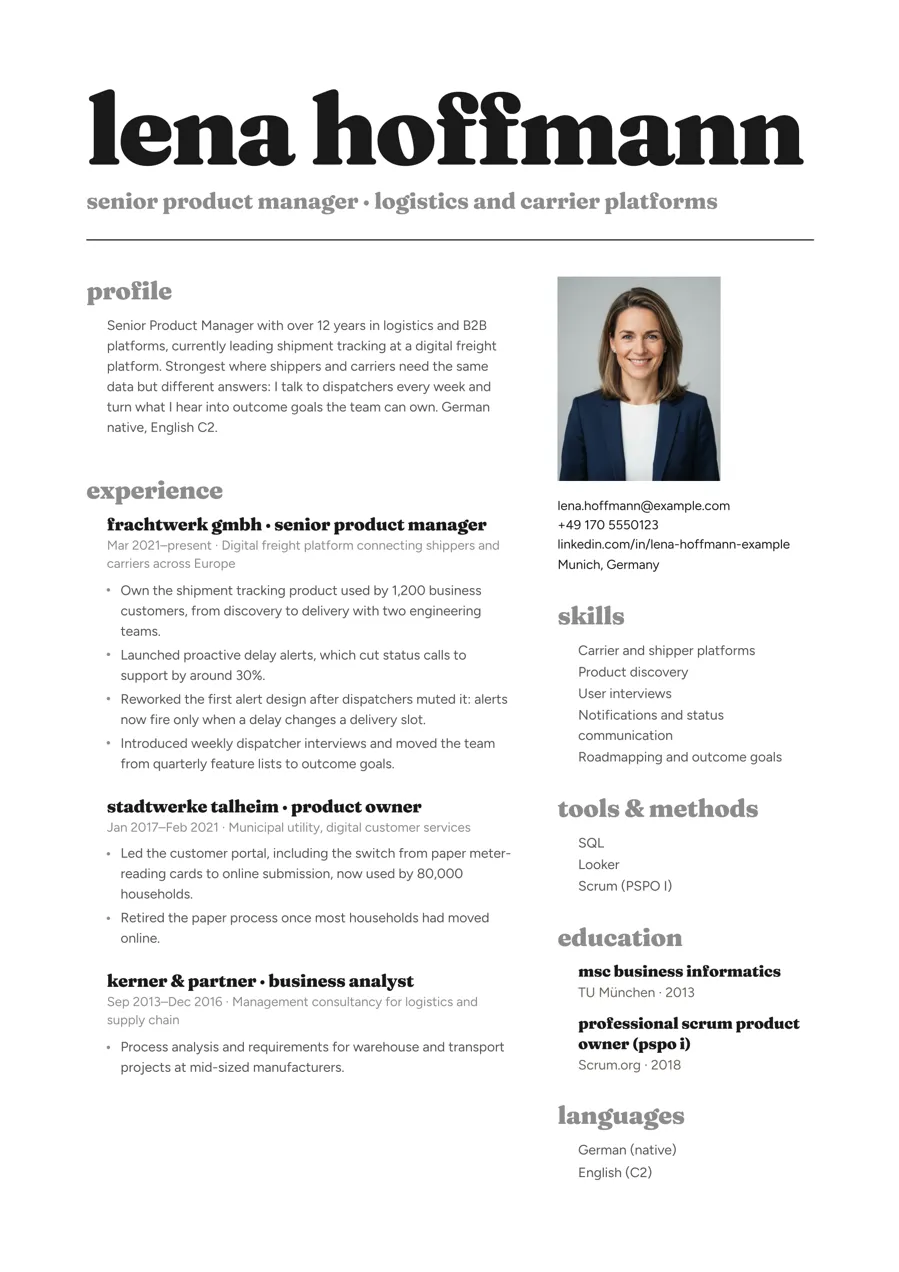
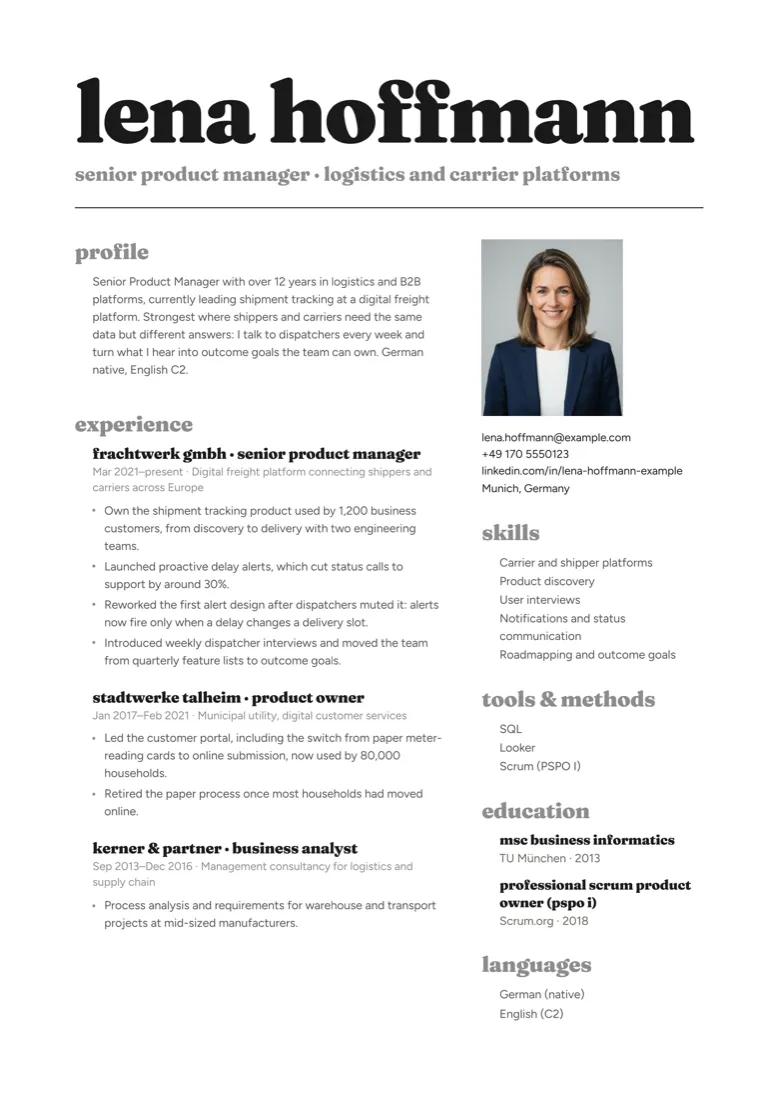
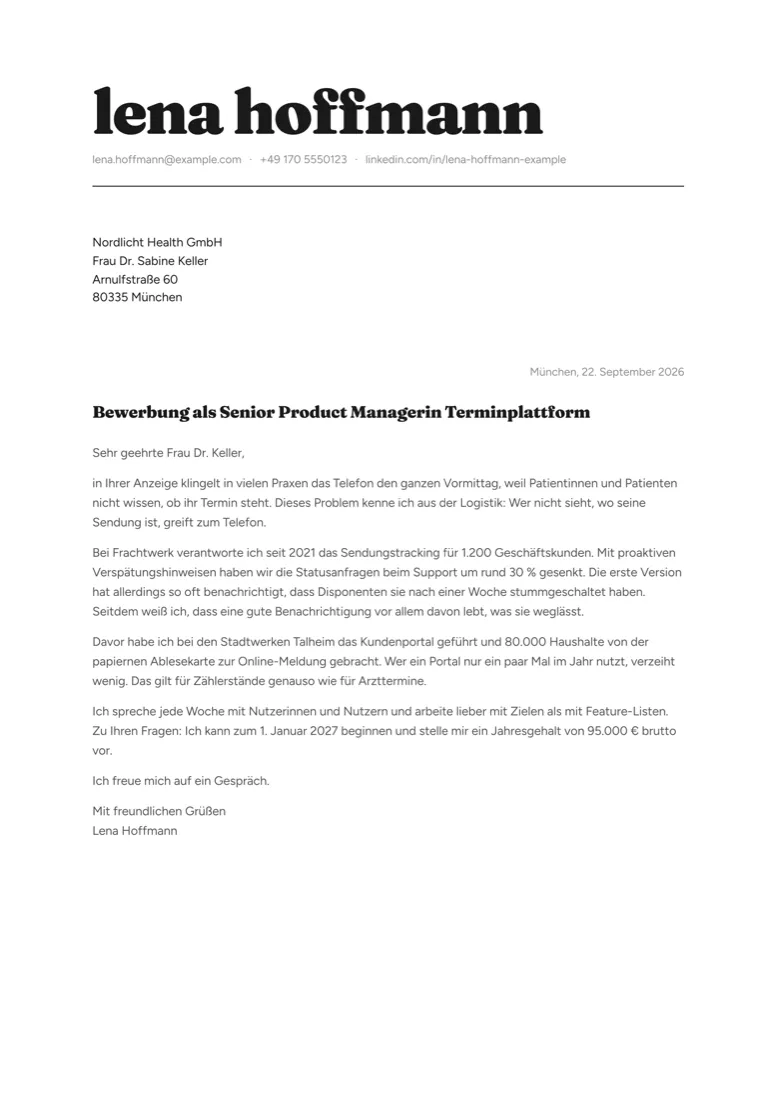
A huge lowercase serif name, grey headings, black and grey only. Opinionated, for creative roles.
Two columns1 page Photo
Good to know
A two-column CV has to fit one page. When it runs over, Claude cuts the weakest points, or suggests a layout that runs to two pages.
Statement, Mono, Sidebar and Poster have a photo slot. It stays off unless you ask: most CVs today go without, in Germany too.
Every layout knows both: CV or Lebenslauf, cover letter or Anschreiben, with the right dates and headings.
Real text in reading order, headings as words. Check any PDF yourself in the free ATS check.
Open the ATS checkInstall
You need the free Apply Kit 1.1.1 or newer and Claude Code. No unzipping, no terminal commands.
Get Apply Kit 1.1.1
The pack runs inside the free kit, version 1.1.1 or newer. New to Apply Kit? Download it from GitHub and follow its README. Already using it? Download the new version and copy your profile and applications folders into it.
Put the zip into the kit folder
Move the zip from your Downloads into the apply-kit folder, as it is. No need to unzip it.
Tell Claude “install the layout pack”
In Claude Code, with the apply-kit folder open. Claude installs the eight layouts and lists them.
Pick a layout
Say which one you like, for example “use the Mono layout”. Claude renders one of your documents in it, so you see it with your own CV.
> install the layout pack
Found apply-kit-layout-pack-1-1.0.1.zip
✓ Installed 8 layouts into themes/
Modern · Compact · DIN 5008 · Margin
Statement · Mono · Sidebar · Poster
> use the Mono layout
Rendered CV_Kestrel.pdf in Mono (1 page)
✓ Fits one page · text checked
What’s in the zip
Mix them per application: tell Claude, or add theme: din5008 at the top of one letter. Your other documents stay as they are.
FAQ
No. You talk to Claude in Claude Code. It installs the pack, switches layouts and renders the PDFs.
Yes. Tell Claude, or add theme: din5008 at the top of one letter. Your other documents stay as they are.
DIN 5008 for formal ones: the business letter people in German offices expect, with a tabular CV in the same letterhead. Every other layout works in German too.
Yes. Classic comes with the kit and stays the default until you pick another one.
It’s for your own applications. You may change the files for yourself, but please don’t share or resell them. The fonts are free fonts under the SIL Open Font License.
Write to me@svenread.com and tell me where it stopped. A screenshot helps.
Eight layouts. One payment. 19 €.
Checkout with Polar. The download link arrives by email.