ArticlesCV craft
What an applicant tracking system actually reads in your PDF
Your CV can look perfect and still reach the parser in the wrong order. Here is what the software gets out of a PDF, and how to check yours in a minute.

Sven Read5 min read · 7 Oct 2026
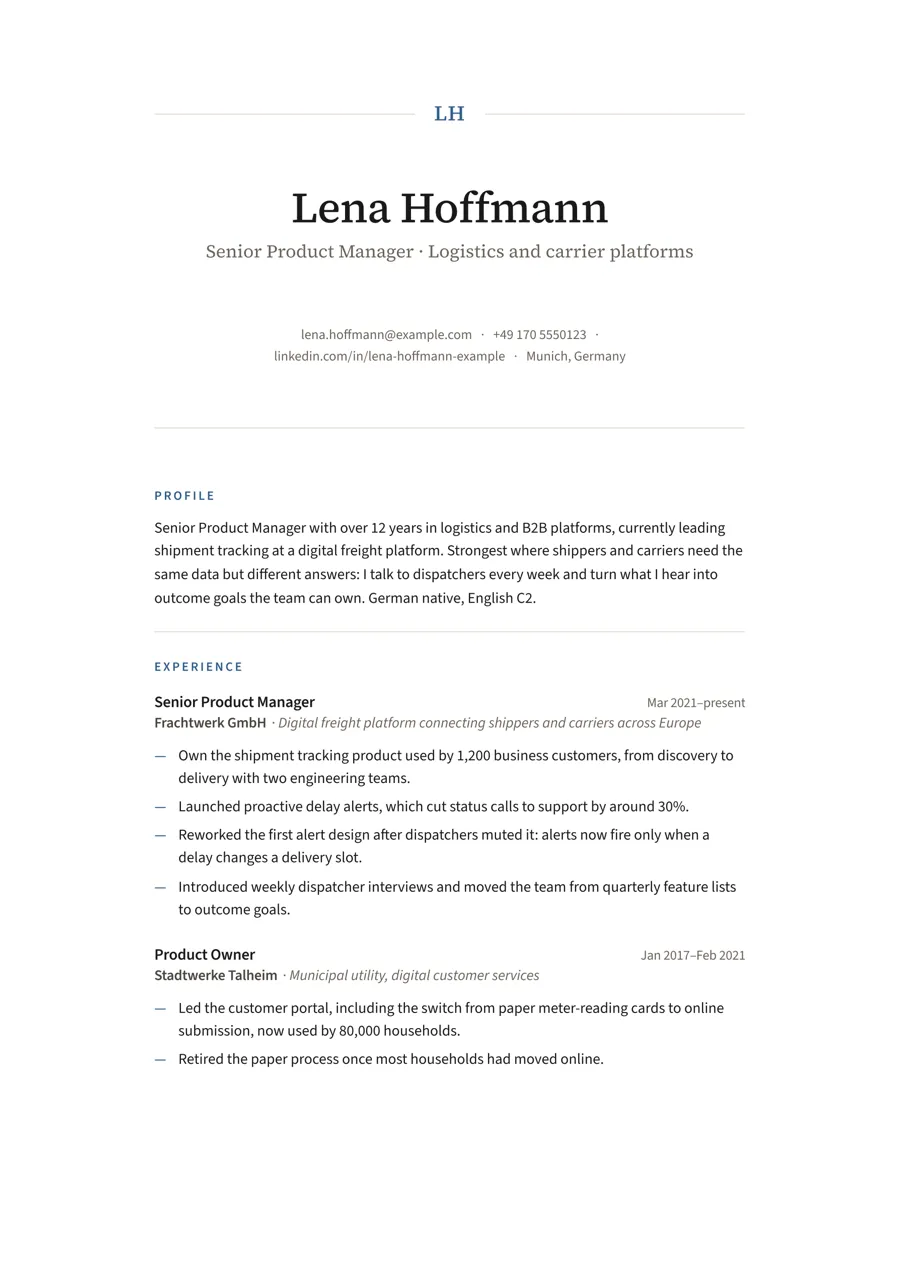
An applicant tracking system doesn’t look at your CV the way a recruiter does. It opens the PDF, pulls out the text and tries to sort it into fields: name, contact details, experience, education, skills. Everything that makes the page look good to a person is gone at that point. What’s left is the text, in the order the PDF stored it.
The parser never sees your design
Columns, colours and a nice heading font mean nothing to a parser. Three things decide whether it reads your CV correctly: whether the text is real text, in which order it sits in the file, and whether the contact details and headings are words it can find.
Is there real text?
A CV exported as an image, or scanned, looks fine to you and empty to a parser. Everything starts with a real text layer. If you can’t select a word in your PDF, neither can the software.
Reading order
This is the one you can’t see by looking. A PDF stores its text in some order, and that isn’t always the order you see on the page. I found this in my own CVs: they looked perfect, but every job title was stored first and every bullet point afterwards. A parser reading in stored order would have put my achievements under the wrong employer.
Two-column layouts are where this goes wrong most often, but a layout can look like two columns and still be stored in one clean line. It depends on how the PDF was made, not on how it looks.
Contact details and headings
Parsers look for an email address, a phone number and section headings like Experience, Education and Skills (or Berufserfahrung, Ausbildung and Kenntnisse in German). Contact details in an image, a logo or an icon font are invisible to them. A heading called “Where I’ve been” may read nicely, but a parser looking for “Experience” won’t recognise it.
Letter spacing and odd characters
Headings set with wide letter spacing can come out as “E X P E R I E N C E”, and a search for “Experience” misses that. Ligatures cause a similar problem: some fonts join “f” and “i” into a single character, “fi”. To you it looks the same; to a keyword search, “finance” no longer matches “finance”.
What a clean result means, and what it doesn’t
No tool can honestly simulate a specific applicant tracking system: each has its own parser, and the vendors don’t publish how they work. What you can check is what a parser gets when it reads the text the way the PDF stores it, which is how many text extractors work. If your CV reads cleanly there, you’ve removed the most common technical reasons a system gets it wrong.
That covers the technical basics. Whether a recruiter likes the content is a different question, and that one is still up to you.
Written by Sven ReadProduct designer near Munich. Built Apply Kit during his own job search: 89 applications, 42 rejections, 7 interviews.